
Deleting a Leboncoin account is not just a matter of clicking a button. The platform has gradually strengthened its controls before validating a profile closure, particularly to comply with European data protection requirements. Before starting the procedure, several points should be checked to avoid losing information or getting stuck.
Personal data and GDPR: what Leboncoin really deletes
Deleting a Leboncoin account results in the removal of the entire profile: identifiers, active listings, transaction history, and messages exchanged with other users. This purge is part of the obligations imposed by the GDPR, which guarantees European users the right to erasure of their personal data.
Read also : How to Simplify Your Real Estate Processes with Online Real Estate
The concrete scope of this deletion goes beyond the simple profile. Listings, messages, and favorites disappear without the possibility of recovery. If you have ongoing exchanges with a buyer or seller, or if a transaction via the secure payment system is not finalized, deleting the account can complicate follow-up.
Before validating anything, it is therefore useful to save any information you might need: payment confirmations, contact details of a counterpart, order references. Once the account is closed, Leboncoin no longer provides access to these elements. For those who wish to permanently delete your Le Bon Coin account with peace of mind, this preparatory step makes the difference between a controlled deletion and a regrettable one.
See also : How to Succeed in Your Amazon Recruitment Interview and Test for Order Picker

Identity verification before deleting the Leboncoin account
Leboncoin has added a strengthened control step before validating any deletion request. The platform requires the entry of the account password and may request confirmation via email. This verification aims to prevent fraudulent deletions, for example, if a third party accesses an open session.
This mechanism poses a concrete problem for users who have lost access to their email address associated with the account. Without being able to confirm the request via email, the deletion procedure may become blocked. In this case, the only option is to contact Leboncoin support to verify identity by another means.
Bank card and registered payment methods
If you have registered a bank card or another payment method on your account (for the secure payment system or paid listing promotion options), deleting the account normally results in the removal of this information. Check in the account management settings that your banking data appears in the dedicated section before starting the procedure.
Manually delete your payment methods before closing the account. Even though Leboncoin commits to deleting this data, this additional precaution limits risks.
Deletion procedure on the website and mobile app
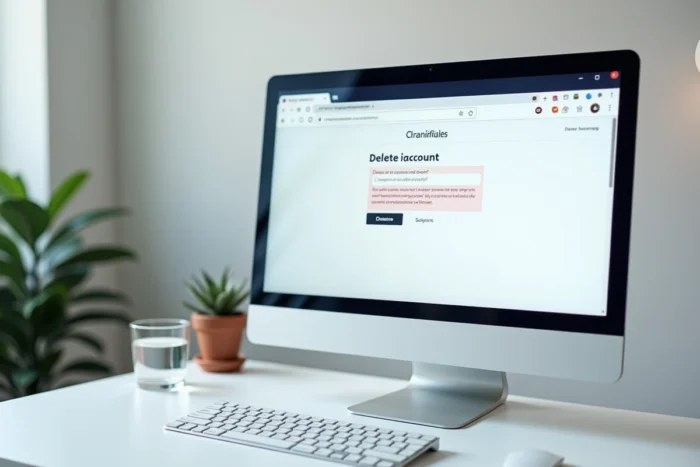
The steps differ slightly depending on whether you are using the website or the app. On the website, deletion goes through the account settings, accessible from the profile icon at the top right. On the mobile app, the path is similar but the menus may vary depending on updates.
The main steps remain the same:
- Log in to your Leboncoin account and access the profile settings
- Find the section dedicated to account management (often titled “My account” or “Settings”)
- Select the deletion option and confirm by entering your password
- Validate the confirmation sent by email if the platform requests it
One point to note: the account is not deleted instantly. The Leboncoin confirmation page indicates that the account will be deleted within 30 days after the request is validated. During this period, it is unclear whether reactivation is possible. Some users report being able to reconnect during this time, while others do not.
Inability to reuse the same email address after deletion
This is probably the least anticipated consequence by users. After deletion, the email address used is permanently associated with the closed account. To recreate a profile on Leboncoin, you must use a new email address that has never been linked to an old account.
This constraint has practical implications. If you use a professional email address or a primary address for your online services, you will need to create a new dedicated address. This is a detail that may surprise, especially for users accustomed to other platforms where re-registration with the same identifiers is possible.
Two-step login and linked Google account
If you have enabled two-step login or linked your Leboncoin account to a Google account, remember to disable these associations before deletion. The procedure for disabling two-step verification goes through the security settings of the profile: section “Two-step login,” then “Edit,” then “Disable.”
Not doing so does not block deletion, but it may create complications if you try to recreate an account later with a phone number already registered in the verification system.
Delete your Leboncoin listings without closing the account
Not all users considering deletion necessarily need to close their account. If the goal is simply to remove visible listings or clean up a profile, individual deletion of listings is possible without affecting the account.
Each listing can be deactivated or deleted from the personal space. This is an alternative to consider if you simply want to tidy up without losing access to messaging or your history.
On the other hand, if the motivation is related to personal data management or security issues (attempted scams, compromised account), complete account deletion remains the only option that guarantees the erasure of all information stored by the platform.
Deleting a Leboncoin account is a straightforward operation in execution but heavy in its consequences. Blocked email address, banking data to verify, 30-day delay before effective deletion: these three points condition a deletion without unpleasant surprises.